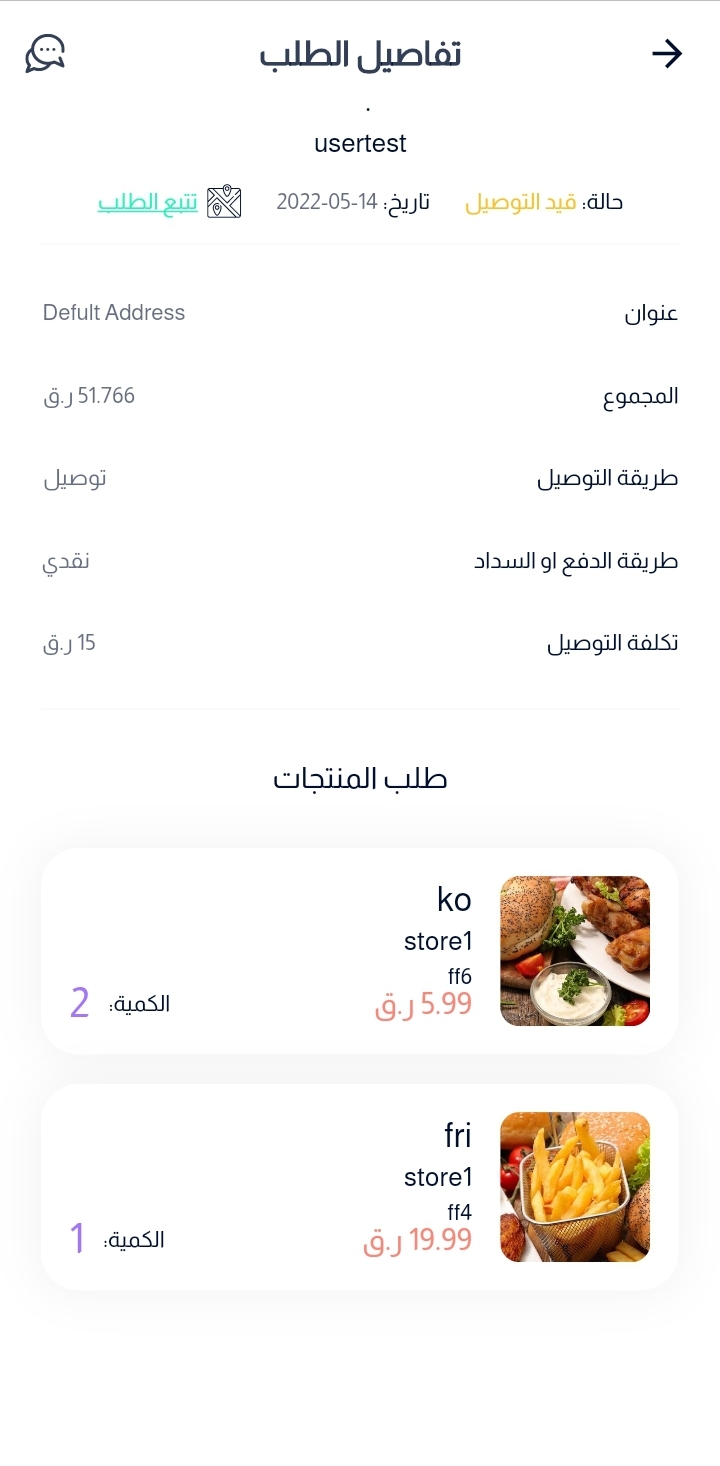
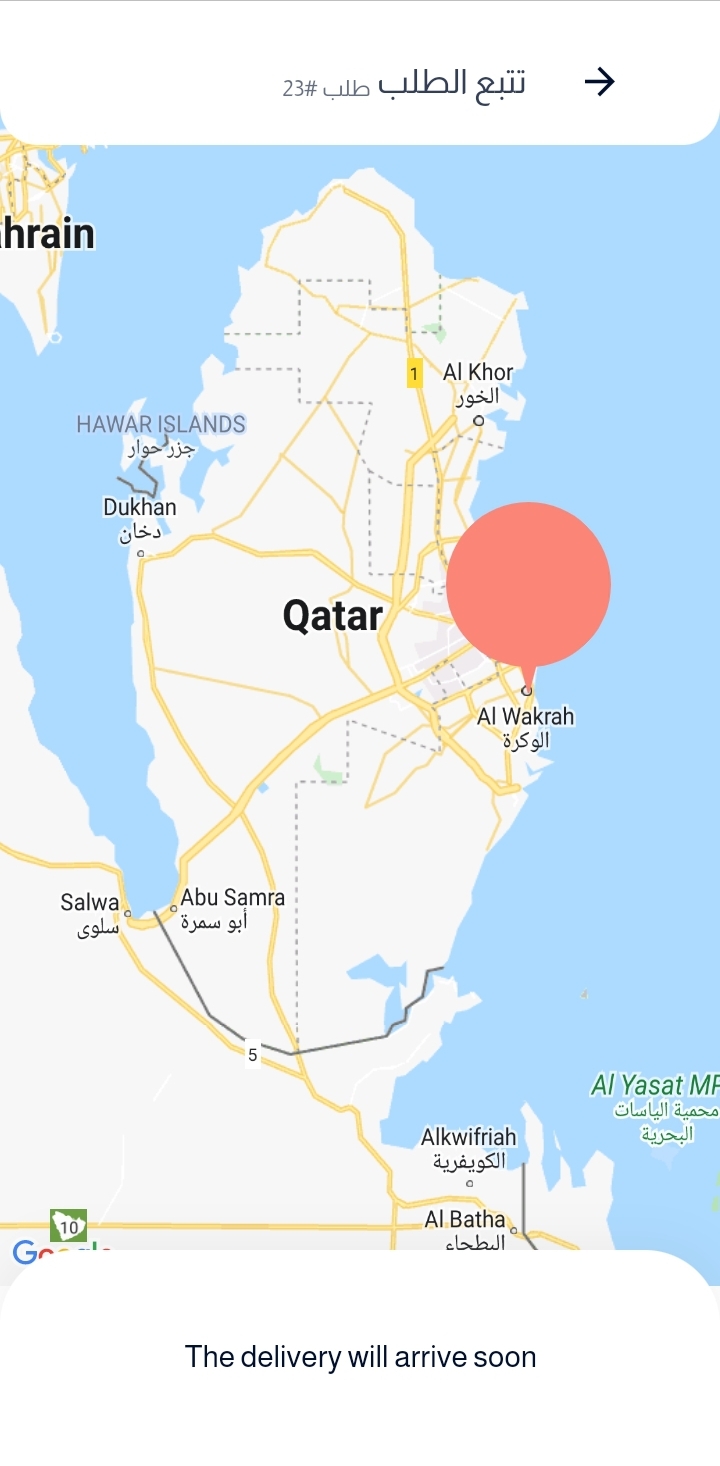
APP
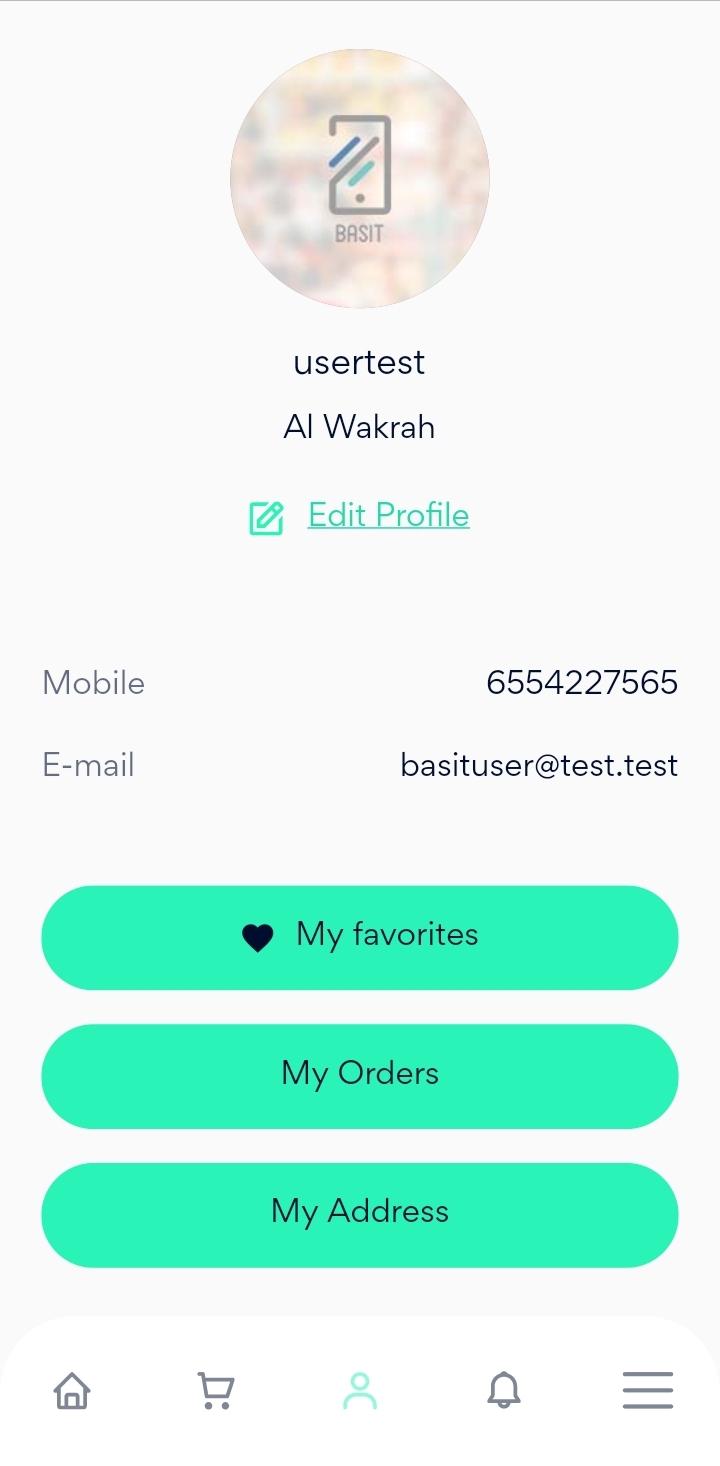
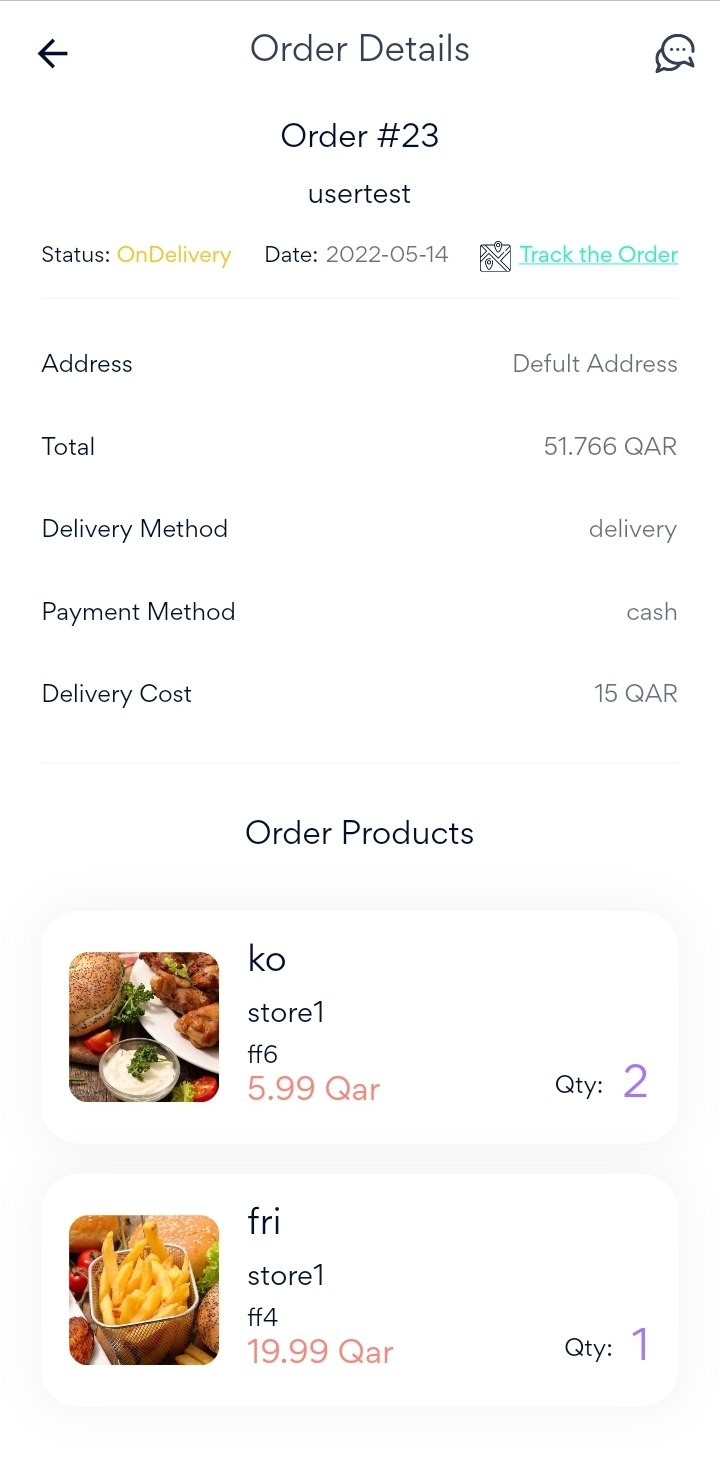
After completing the payment process for your order, you can view the order by pressing on my account icon in the bottom of the page, then select My Orders.
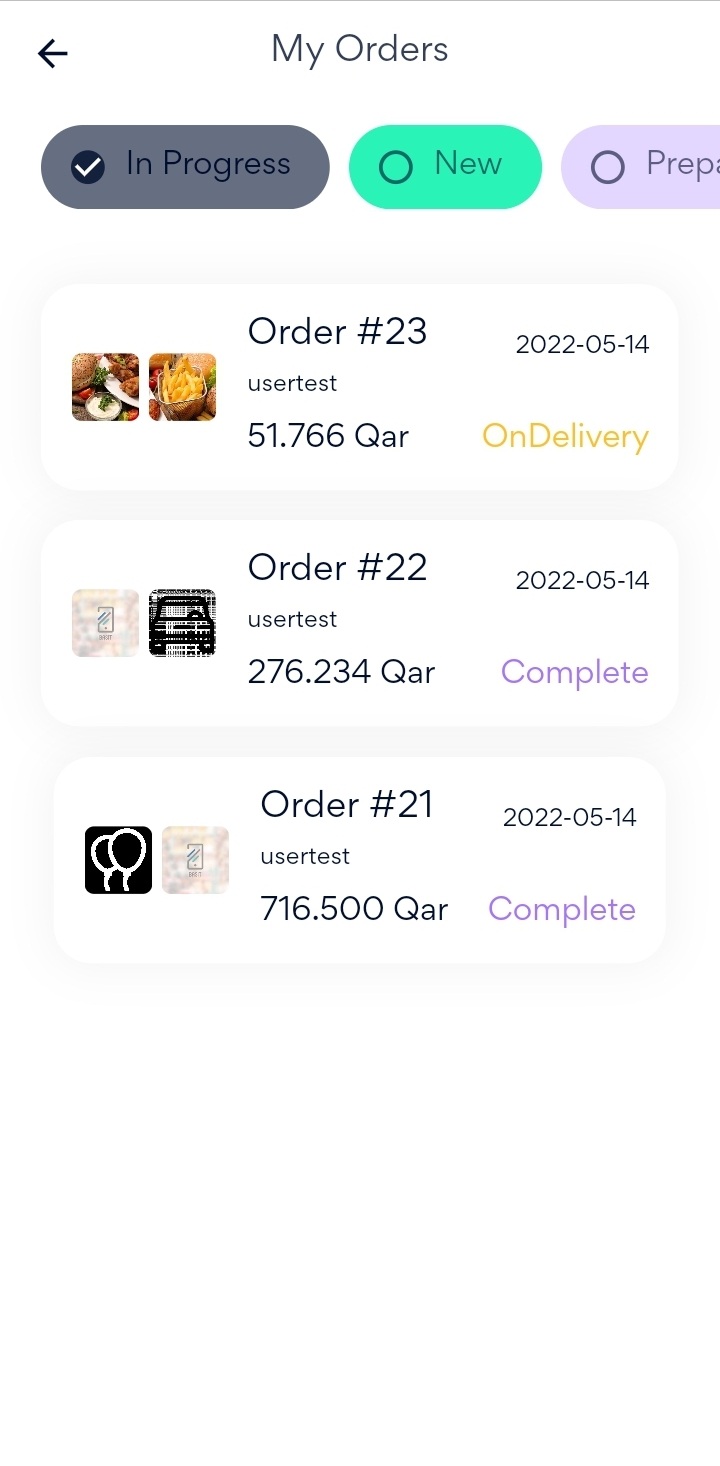
Now, it can be seen that all your previous and current orders are listed in the page.
In order to be able to track your order, the status of the order should be On Delivery. Otherwise, you will not be able to track the order.
Now, Select the order that you want to track, after that press on Track the Order button in the top of the page.
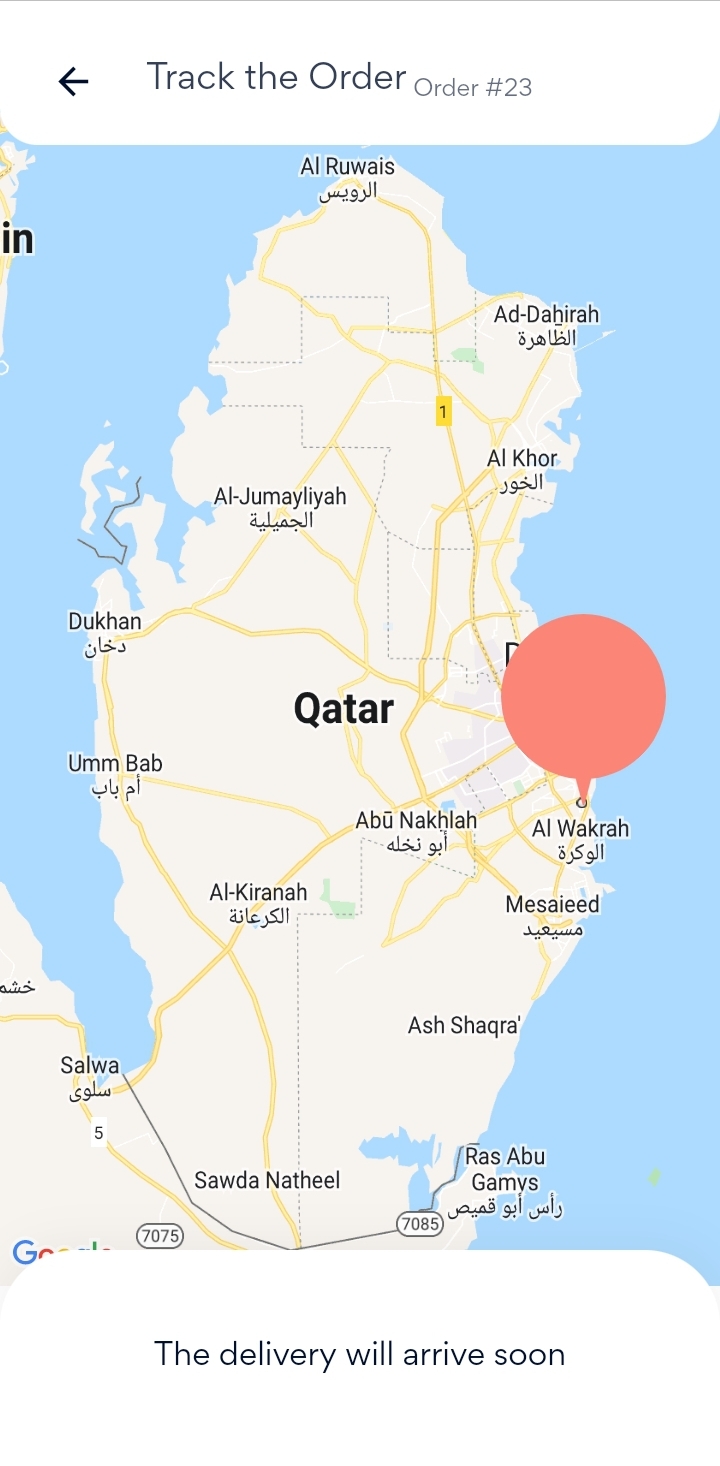
Then, a map with the final destination will appear to you and you can track the order without any issues.
:التطبيق
بعد الانتهاء من عملية الدفع واكتمال الطلب، يمكنك استعرض الطلبات الخاصة بك عن طريق الضغط علي ايقونة الحساب الموجودة أسفل الصفحة ثم اختيار طلباتي
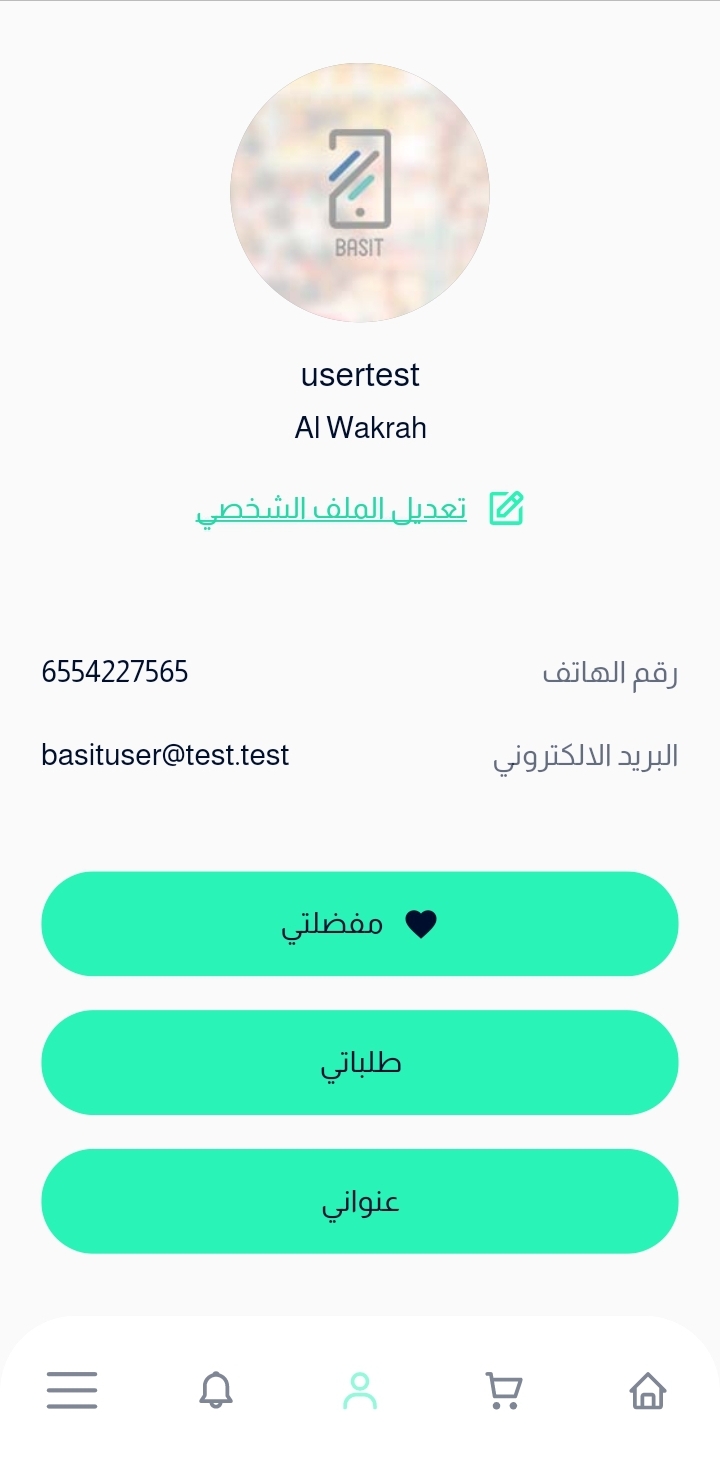
بعد ذلك، سوف تظهر لك علي الشاشة جميع طلباتك الحالية وطلباتك السابقة و أرقام كل طلب منهم وحالته، ولكي تتبع الطلب يجب أن تكون حالة الطلب قيد التوصيل وإلا لن تستطيع تتبع طلبك

بعدها، قم باختيار الطلب المراد تتبعه، ثم بعدها قم بالضغط علي زر تتبع الطلب الموجود أعلي الصفحة
وأخيراً، سوف تظهر لك خريطة موضح عليها العنوان النهائي الذي سوف يتم توصيل الطلب إليه